
How to Sell Your Business in Qatar: Step-by-Step Guide
This guide will help you sell your business on Arady, starting with setting up your account and posting your listing. You’ll learn about the Investment and Business categories, what financial details to include, how to pick your industry, photo limits, and what happens during the listing review.
 Arady Desk6 min read
Selling a business is different from selling a villa or a piece of land. Buyers focus on the numbers before anything else, and they pay attention to how complete your listing is.
Arady offers a special business category with fields for revenue, profit, industry, and asking price.
This guide will show you each step, from creating an account on arady.qa to posting your listing.
If you already have an account and can log in, you can go straight to the eight steps below.
Get these items ready before you start your listing.
The form is quick to fill out, provided you have everything prepared. Here are four things to gather first.
- Financial figures: The form will ask for your total asking price, annual revenue, and annual profit, all in QAR. Use actual numbers from your accounts, not estimates.
- Photos: You can upload up to 20 images in JPG or PNG format, each up to 15 MB. At least one photo is required. Include pictures of the storefront, inside the business, and any equipment included in the sale.
- Two short descriptions: The form needs an Arabic description (required) and an English one, each up to 500 characters. It helps to write these in advance instead of typing them in a small box.
- Location: You will need to provide the area or zone where your business operates.
Create your Arady account.
Go to arady.qa and click the Sign up button in the top right corner. A panel called “Create an account” will show up on the right side of your screen.
The panel will first ask you to pick a role. Choose Individual, which is the first option next to Agent and Company.
Next, choose to register with your mobile phone or email. If you use your phone, enter your number (the country code +974 is already set), click Get a code, and confirm with the code sent by SMS. If you use email, enter your address, create a password, and click Create.
When you finish registering, you agree to the Arady Privacy Policy, which is linked at the bottom of the form. It’s a good idea to read it before you finish signing up. If you already have an account, use the log-in link at the bottom of the panel.
Step 1: Complete your profile first
Open Profile from the left menu in your dashboard and fill in all the fields under Personal information. This includes your Arabic name, English name, email, phone number, and WhatsApp number (both numbers use the +974 Qatar code by default).
You can also upload a profile photo in JPG or PNG format, up to 15 MB. This is optional but recommended.
Check the Privacy Policy box and click Save Changes. Buyers will see your profile with your listing, and having a complete profile assists in building trust.
Step 2: Start a new listing
Go to My Listings and click + Add New Listing at the top right. This will open the Create a new listing form.
Step 3: Fill in the General section
For Property Type, select Investment. Business listings are under this type, not Villa, Land, or Apartment.
Then set Category to Business, which updates the rest of the form for business details. Finally, enter the area or zone where your business operates in the Location field.
Step 4: Fill in the Investment Features section
There are two required dropdowns for the main business details:
Business Industry drop-down menu allows you to select a sector from 10 different industries, including options such as Food and Beverage and Retail & Industry.
Business Type will update based on the industry you choose. For example, if you pick Food & Beverage, you’ll see options like Cafe, Specialty Coffee Shop, Fine Dining Restaurant, Casual Dining Restaurant, and Cloud Kitchen. Select the one that best fits your business.
Step 5: Fill in the Price section
This section has three required financial fields that matter to buyers. Total Price is your asking price in QAR, Annual Revenue is your business’s yearly gross income, and Annual Profit is the yearly net profit after costs.
Use real numbers from your accounts. Overstating figures usually does not work in serious talks with buyers.
Step 6: Write the description
The form asks for an Arabic description (required) and an English description, each up to 500 characters.
Describe what the business is, what’s included in the sale, how it performs, and why it’s a good buy. There’s also a Reference Number field if you use your own codes to track listings.
Step 7: Upload photos
Upload your photos by dragging them in or clicking the Browse images button under Upload photos.
You can add up to 20 photos in JPG or PNG format, each up to 15 MB. At least one photo is required to submit your listing.
Step 8: Save or post
At the bottom of the form, you’ll see two buttons. Save as draft keeps your listing in My Listings so you can finish it later.
Post listing sends it for review, and once it’s approved, buyers will be able to see it.
What happens after you post
After you post your listing, it usually goes into a Pending state while the Arady team reviews it.
QAR 580,000
Ladies Salon for Sale in Marina District (Lusail)
Once it’s approved, it goes live, and buyers across Qatar can see it. As shown in the image above, the first things buyers will see are the price, your business industry and type, and your annual revenue and profit.
Make sure your phone and WhatsApp numbers are up to date so you don’t miss any inquiries.
If your listing does not go through or you have questions during the review, contact the team at [email protected] or through the contact page.
Newsletter
Stay ahead of Qatar's property market
Sign up to receive the latest articles on property prices, land prices, buying guides, and real estate news in Qatar delivered right to your inbox.
No spam, ever. Unsubscribe anytime.
Related articles
Al Azzab Markets in Qatar: Shops, Activities, and Renting
Al Azzab markets support Qatar’s livestock compound areas with shops for everyday needs, including veterinary clinics, feed sales, groceries, and blacksmiths. Launched in 2020 as part of QDB’s neighborhood markets program, this overview covers what makes them special, the full list of allowed activities, and how empty shops are assigned.
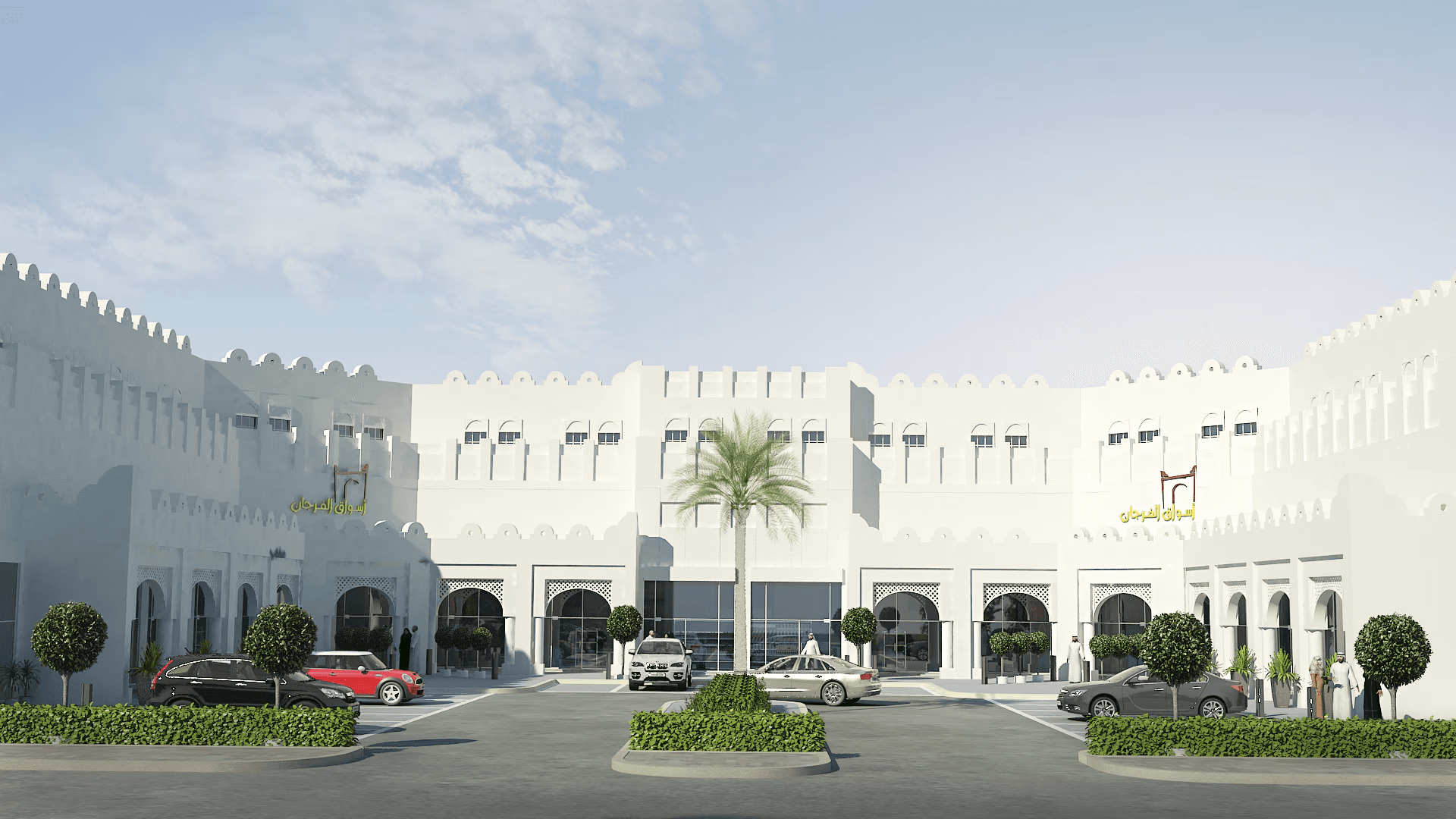
Al Furjan Markets in Qatar: Shops, Activities, and Renting
Al Furjan markets bring daily-needs shops into Qatar’s residential neighborhoods as part of a QDB program that includes 65 markets and 874 shops. This guide explains the purpose of these markets, lists all permitted activities, and describes how vacant shops are assigned using the QDB app and public bidding.
Mortgage Registration in Qatar, Fees, Steps and Bank Limits
QAR 250 per QAR 1 million of secured debt is the Ministry of Justice fee for mortgage registration in Qatar. The guide covers who files on Sak, the documents, the two working day approval, mortgage release and QCB limits on home loans.
Newsletter
Stay ahead of Qatar's property market
Sign up to receive the latest articles on property prices, land prices, buying guides, and real estate news in Qatar delivered right to your inbox.
No spam, ever. Unsubscribe anytime.